01 / REMOTE CONTROLPreview
Your desktop, from your browser.
View your screen and use keyboard and pointer control on a connected Mac or Linux X11 desktop. Local permissions and platform setup are required.
Explore browser remote control → Caterm
YOUR COMPUTER. WHEREVER YOU ARE.
Caterm is a browser workspace for software development and authorized remote computer administration. Control your desktop, work on project files, and use Codex or Claude Code running on your own computer.
Mac & Linux · Your existing agent login · Desktop in preview
Keep your computer online. Model usage is separate.
REMOTE ACCESS. FAMILIAR TOOLS.
Reach your own computer, direct its AI agents, and use the tools already installed on it.
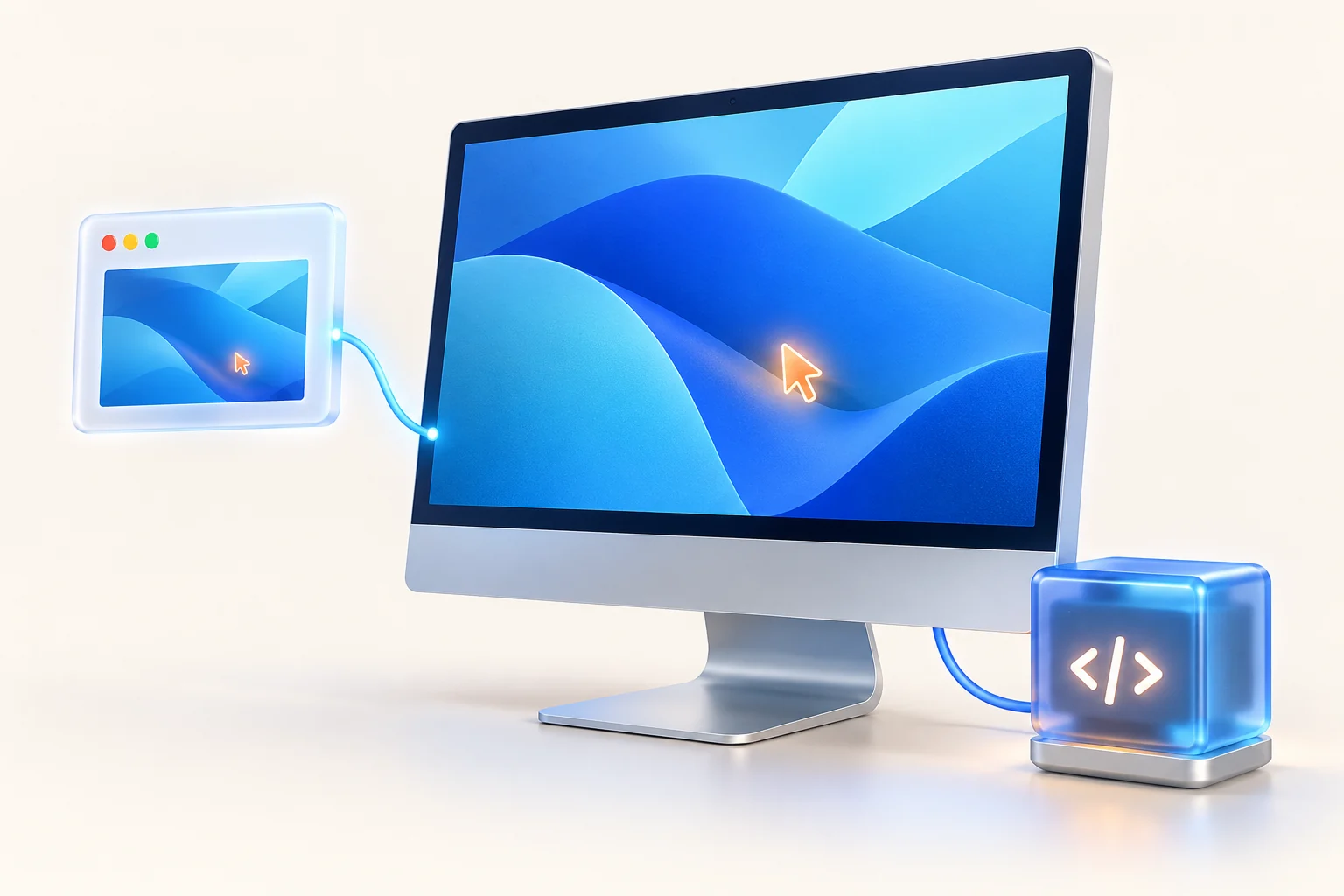
View your screen and use keyboard and pointer control on a connected Mac or Linux X11 desktop. Local permissions and platform setup are required.
Explore browser remote control →
Send prompts, follow tool activity, and respond to approval requests in your browser. Your selected agent runs on your own device with its existing login, project, and local tools.
Explore remote AI agents →Invite another verified Caterm account to use your device's enabled tools. Each person has separate conversation history; local files, resources, and agent credentials remain shared.
Learn about device sharing →~/projects $ pwd
/home/you/projects
~/projects $ git status
On branch main
Your branch is up to date.
~/projects $ Check a build, inspect logs, or use your familiar CLI tools. The shell runs on your device and is enabled by default, with a local setting to disable access.
Open an online terminal →SCHEDULED AI WORKFLOWS
Turn repeatable tasks into ordered prompts for Codex or Claude Code. Run them on demand or on a schedule, then follow progress and results from your browser.
Your connected computer runs each workflow. Questions or approvals may pause a run.
Explore scheduled workflows →Review recent changes and identify areas to check.
Run the project's tests and report any failures.
Describe what passed and what needs attention.
Illustrative prompts. Configure your own device, schedule, and permissions.
FROM LOCAL SETUP TO REMOTE WORK
Sign in, add a device, and connect the Mac app or Linux daemon with a one-time enrollment code.
A CONNECTION FROM YOUR DEVICEInstall and sign in to Codex or Claude Code for agent conversations. Set up local screen and input permissions for desktop control, and choose your file root.
YOUR TOOLS RUN ON YOUR MACHINEControl your desktop, direct an AI agent, or schedule a workflow. Keep your computer awake and connected while it does the work.
REMOTE CONTROL & REMOTE AI AGENTSPURPOSE AND ACCEPTABLE USE
Caterm connects you to computers you own or have permission to use for coding, running builds and tests, inspecting logs, managing files, and scheduling development tasks. Codex and Claude Code run on your connected device using your existing agent account and permissions.
Google Sign-In and Firebase Authentication provide account sign-in. Google sign-in requests basic identity, email, and profile permissions; it does not request access to Gmail, Drive, or Calendar content. The Caterm iOS app also uses Google Analytics for Firebase for app usage analytics. AI model requests follow your locally installed agent's provider configuration, separately from Google sign-in.
Caterm does not use Google APIs to create, edit, or distribute AI-generated non-consensual intimate imagery (AI NCII). Using Caterm, its remote agents, workflows, or connected services to create, alter, distribute, or facilitate intimate imagery of a person without their consent is prohibited, including synthetic images and sexual deepfakes. We may suspend or terminate accounts that violate this policy.
Read our Terms of service and Privacy policy. Report abuse to support@caterm.com.
BEFORE YOU CONNECT
Caterm is a browser workspace for software development and authorized remote computer administration on computers you own or have been given access to. It connects desktop access, Codex and Claude Code conversations, scheduled workflows, a terminal, and a scoped file browser.
The agent CLI runs on the connected computer using its existing local login, tools, and project environment. Caterm relays messages and stores conversation history on its server. Model requests follow the agent provider's configuration; local execution does not mean an offline or locally hosted AI model.
Remote desktop is available in preview for configured Macs and Linux X11 desktops. It requires local screen and input permissions and a working network path. The device must be online; Windows desktop support is not currently available.
Yes. The connected computer must be awake, online, and running the Caterm app or daemon to execute work. Closing an agent conversation's browser tab does not stop a running turn. A daemon restart ends interrupted turns, and browser terminal sessions end when their connection closes.
Yes. Create a workflow with ordered prompts for Codex or Claude Code, choose a device and project, then run it manually, once, or on a recurring schedule. Agent questions or approvals can pause a run. Execution depends on device availability and the workflow's permissions and timeouts.
Members can use the tools enabled on that device and create separate conversations. Caterm keeps each user's chat history and approvals separate. Files, the operating-system user, local agent credentials, and provider quota remain shared; separate chats do not create isolated machines.
No. Caterm provides device access and the browser workspace. Install and sign in to Codex or Claude Code on your device; provider subscriptions and model usage are separate from your Caterm plan.
YOUR COMPUTER. A LONGER REACH.
Connect your own machine. Start working from your browser.